
Creating a productive home office space can make a significant difference in your workday, helping you stay focused and motivated. Whether you’re new to working from home or looking to improve your current setup, small changes can have a big impact. Here are some practical tips to help you design a home office that promotes productivity and comfort.
Choose the Right Location
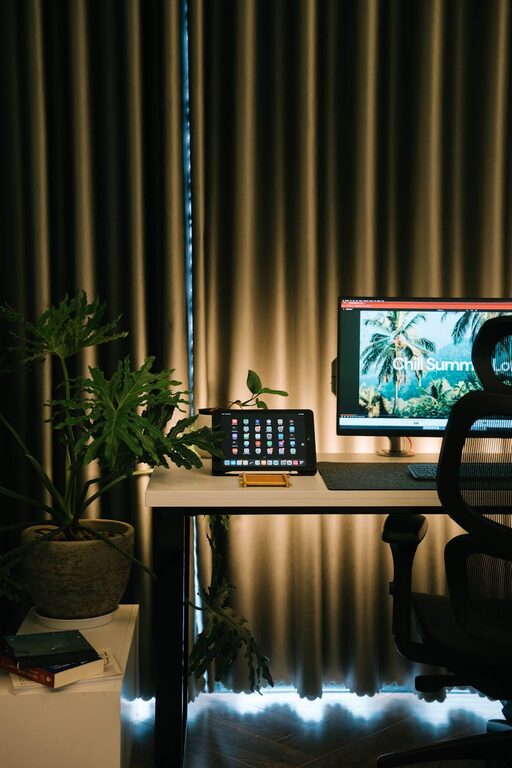
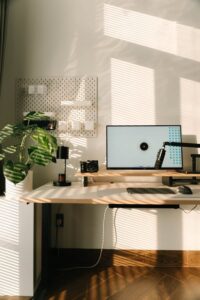
Selecting the best spot for your home office is the foundation for a productive workspace. Ideally, pick a quiet area with minimal distractions and good natural lighting. If possible, avoid high-traffic zones like the kitchen or living room. A dedicated room or corner can help you mentally separate work from leisure.
Consider Natural Light and Ventilation
Natural light has been shown to improve mood and energy levels. Position your desk near a window to take advantage of daylight. Also, ensure your space has good airflow to stay comfortable and alert during long work sessions.
Invest in Quality Furniture
Comfort and ergonomics matter when you spend hours working on a computer. A supportive chair that promotes proper posture helps prevent back and neck pain. Choose a desk with enough surface area to organize your supplies and technology.
Ergonomic Tips for Furniture
– Use an adjustable chair with lumbar support.
– Keep your feet flat on the floor or on a footrest.
– Position your monitor at eye level to reduce neck strain.
– Use a keyboard and mouse that feel comfortable and consider a wrist rest.
Organize with Purpose
Clutter can distract and reduce productivity. Keep your workspace tidy by organizing your tools and documents in a way that makes them easy to find.
Storage Solutions
– Use shelves or drawers to store supplies out of sight.
– Use cable organizers to manage cords and prevent tangling.
– Incorporate desk organizers or trays to keep small items in order.
Minimize Distractions
Working from home means you might face interruptions from family members, pets, or household noises. Set boundaries and create signals to help others know when you are working.
Tips to Reduce Distractions
– Set specific work hours and communicate them clearly.
– Use noise-canceling headphones or ambient noise apps.
– Keep your phone on silent or in another room during focused work periods.
Personalize Your Space
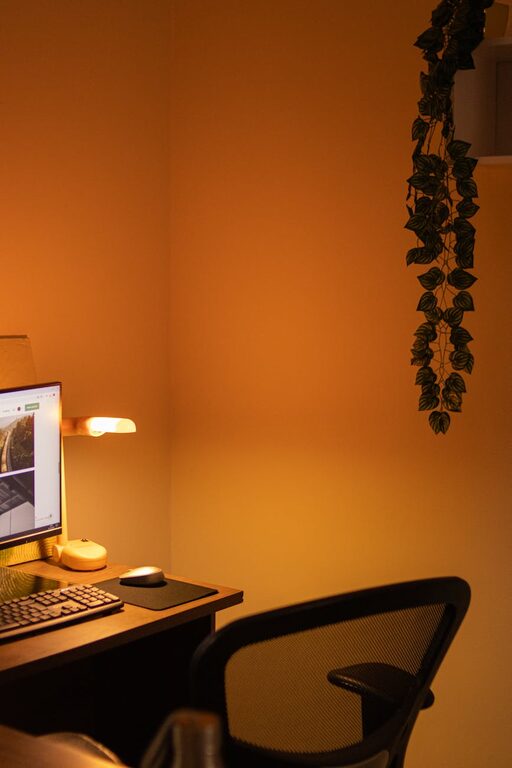
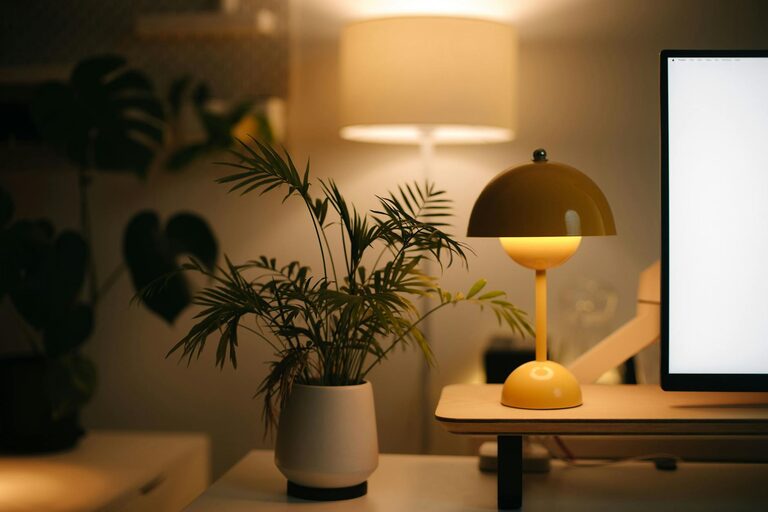
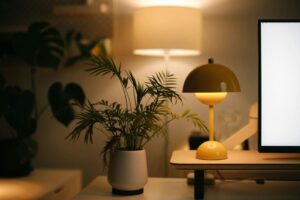
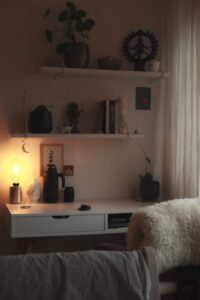
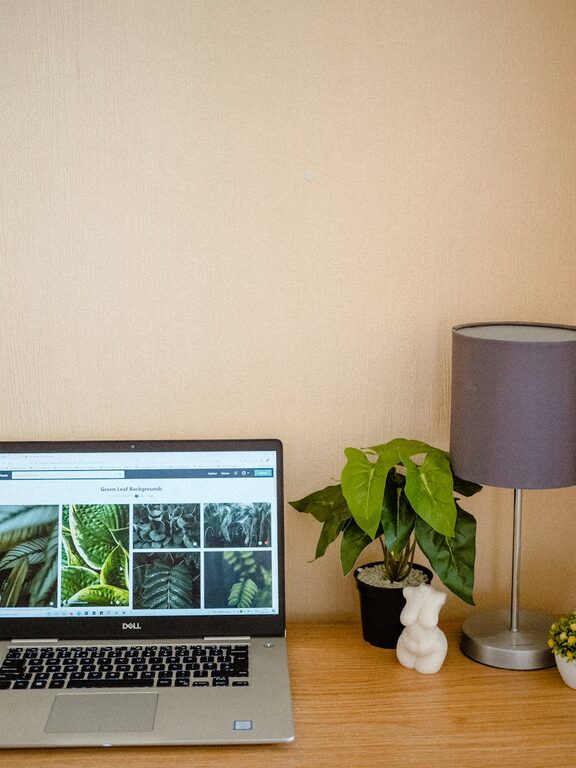
Adding personal touches can make your workspace more inviting and boost your mood. This might include plants, artwork, or photos that inspire you.
Benefits of Personalization
– Increases comfort and reduces stress.
– Creates a positive and motivating atmosphere.
– Helps you feel connected to your space.
Use Technology Wisely
Leverage technology to stay organized and efficient without feeling overwhelmed.
Recommended Tech Tools
– Task management apps to prioritize and track work.
– A reliable internet connection and updated devices.
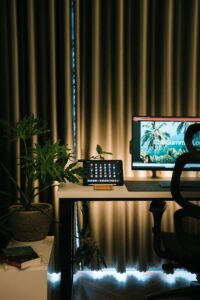
– Dual monitors for multitasking if your work requires it.
Take Breaks and Stay Active
No matter how perfect your setup, it’s important to take regular breaks to stretch and recharge. This helps prevent fatigue and maintains mental clarity.
Break Ideas
– Follow the 20-20-20 rule: every 20 minutes, look at something 20 feet away for 20 seconds.
– Stand up and stretch or walk around for a few minutes each hour.
– Keep a bottle of water nearby to stay hydrated.
Final Thoughts
Creating a productive home office space is about balancing comfort and functionality. By choosing the right location, investing in ergonomic furniture, staying organized, reducing distractions, personalizing your environment, using technology effectively, and taking regular breaks, you can set yourself up for successful and enjoyable workdays. Remember, your workspace should reflect your needs and preferences to keep you motivated and efficient.
Feel free to adapt these tips to fit your unique situation and enjoy the benefits of a well-crafted home office!