

Creating a well-organized home workspace is essential for maintaining focus and boosting productivity. Whether you work remotely or simply use a dedicated area for personal projects, a clutter-free and functional setup can help you stay motivated and efficient. In this post, we’ll explore simple and effective ways to organize your home workspace to make the most of your time and energy.
Why Organizing Your Workspace Matters
A tidy and orderly workspace reduces distractions and helps you find what you need quickly. When everything has its place, you can focus better on your tasks and feel less stressed. Good organization also contributes to a positive mindset, encouraging creativity and discipline throughout your workday.
Assess Your Current Workspace
Before making any changes, take a moment to evaluate your current setup:
– What items do you use daily?
– Which items are rarely or never used?
– Is your space comfortable and well-lit?
– Are your essential tools within easy reach?
Answering these questions will help you identify what to keep, remove, or adjust to create an optimized space.
Declutter: Clear Out the Unnecessary
Start by removing anything that doesn’t serve your work or adds visual noise.
– Sort your items: Create separate piles for things to keep, toss, or donate.
– Limit decorations: Choose a few meaningful or inspiring items rather than overcrowding your desk.
– Avoid duplicate supplies: Keep only what you realistically use to reduce clutter.
Remember, decluttering is an ongoing process—regularly review your space to maintain order.
Maximize Desk Space and Storage
How you arrange your desk and storage can greatly impact your workflow.
Use Vertical Space
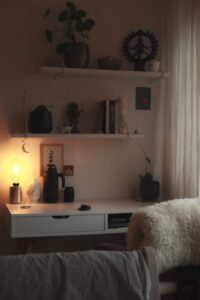
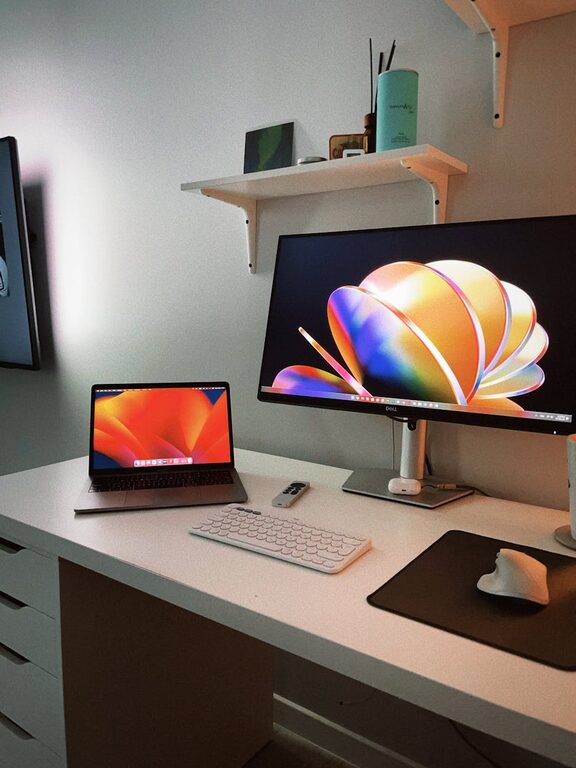
– Install shelves above your desk for books, documents, or decorative objects.
– Use wall-mounted organizers or pegboards for stationery or tools.
Smart Drawer Organization
– Use drawer dividers to separate pens, cables, and other small items.
– Reserve drawers for items you don’t use every day but want nearby.
Keep Essentials Within Reach
Store frequently used items like your computer, mouse, notebook, and chargers where you can quickly grab them without getting up.
Set Up Proper Lighting
Good lighting reduces eye strain and keeps you alert.
– Position your desk near a window to benefit from natural light.
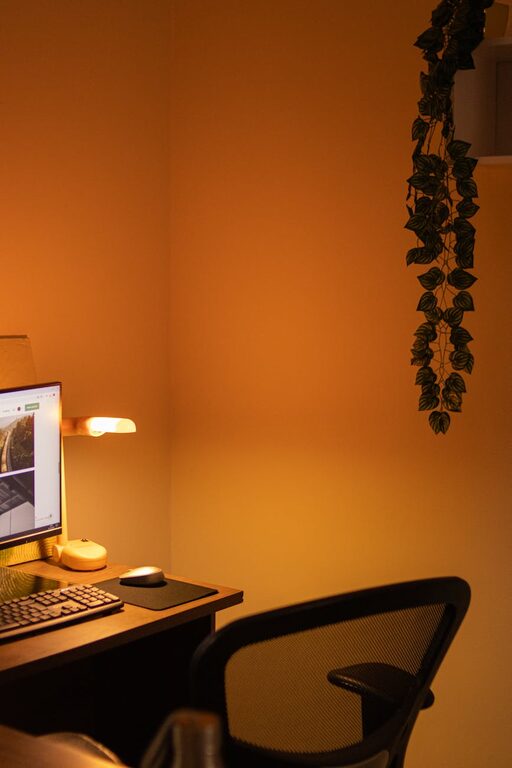
– Add a desk lamp with adjustable brightness for late work sessions.
– Choose warm or neutral white light to create a welcoming atmosphere.
Create a Comfortable and Ergonomic Setup
Comfort affects productivity, so adjust your workspace to prevent fatigue.
– Use an ergonomic chair that supports your posture.
– Position your monitor at eye level to avoid neck strain.
– Keep your keyboard and mouse within easy reach to reduce wrist tension.
Organize Cables and Tech Accessories
Cables can quickly create a tangled mess, so:
– Use cable clips or ties to bundle cords neatly.
– Label chargers and cables to identify them easily.
– Consider wireless accessories, such as a mouse and keyboard, to reduce clutter.
Develop a Daily Tidying Routine
Spend 5 to 10 minutes at the end of each workday to:
– Clear your desktop surface.
– File loose papers.
– Put away supplies and tools.
This simple habit helps maintain organization and prepares your workspace for the next day.
Personalize Wisely
While it’s important to keep your workspace functional, a bit of personalization can boost your mood.
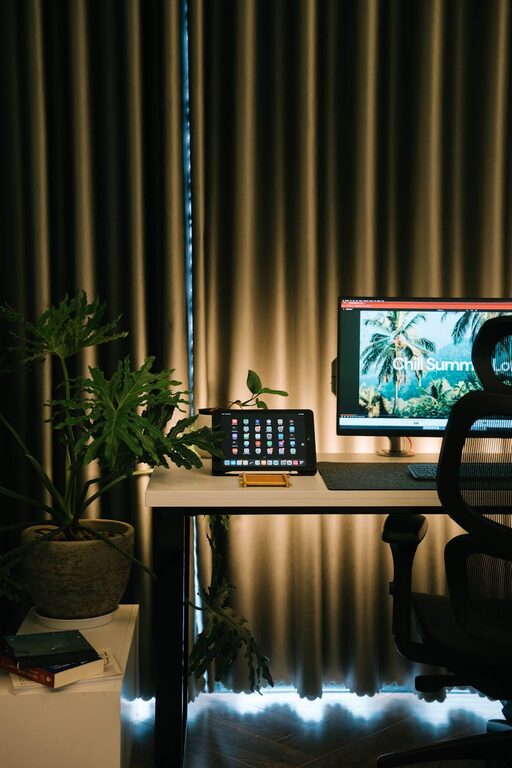
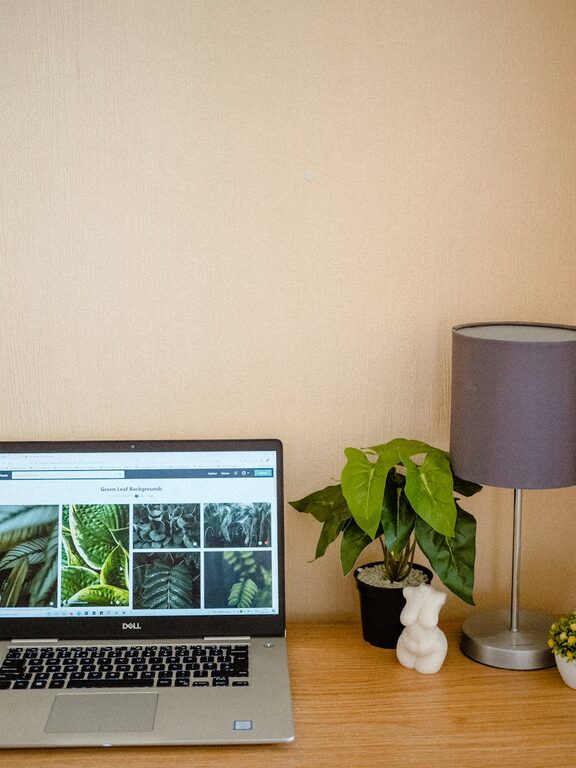
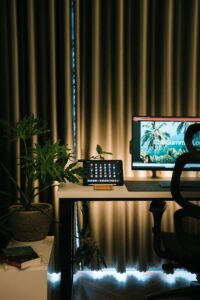
– Add a small plant for freshness.
– Hang a calendar or vision board for inspiration.
– Play soft background music if it helps you focus.
Utilize Digital Organization
Your physical space is important, but don’t forget to organize your digital files.
– Create a consistent folder structure on your computer.
– Use productivity apps or tools to manage tasks and deadlines.
Summary
Organizing your home workspace doesn’t have to be complicated. By decluttering, optimizing your desk and storage, improving lighting and comfort, managing cables, and adopting daily tidying habits, you can create a productive, welcoming environment. With these simple and effective steps, you’ll set yourself up for better focus and success in your work-from-home routine.